Java Hosting
Heavyweight Power, Lightweight DeployDeploy Spring Boot, Jakarta EE, and Kotlin apps with git push.
Scale with gigalixir ps:scale.
Get the reliability of the JVM without the operational burden of managing Jenkins, Helm charts, or Kubernetes clusters.
Buildpack Simplicity
Java deployments are often synonymous with complexity—CI pipelines, artifact repositories, and multi-page XML configurations. Gigalixir strips that away.
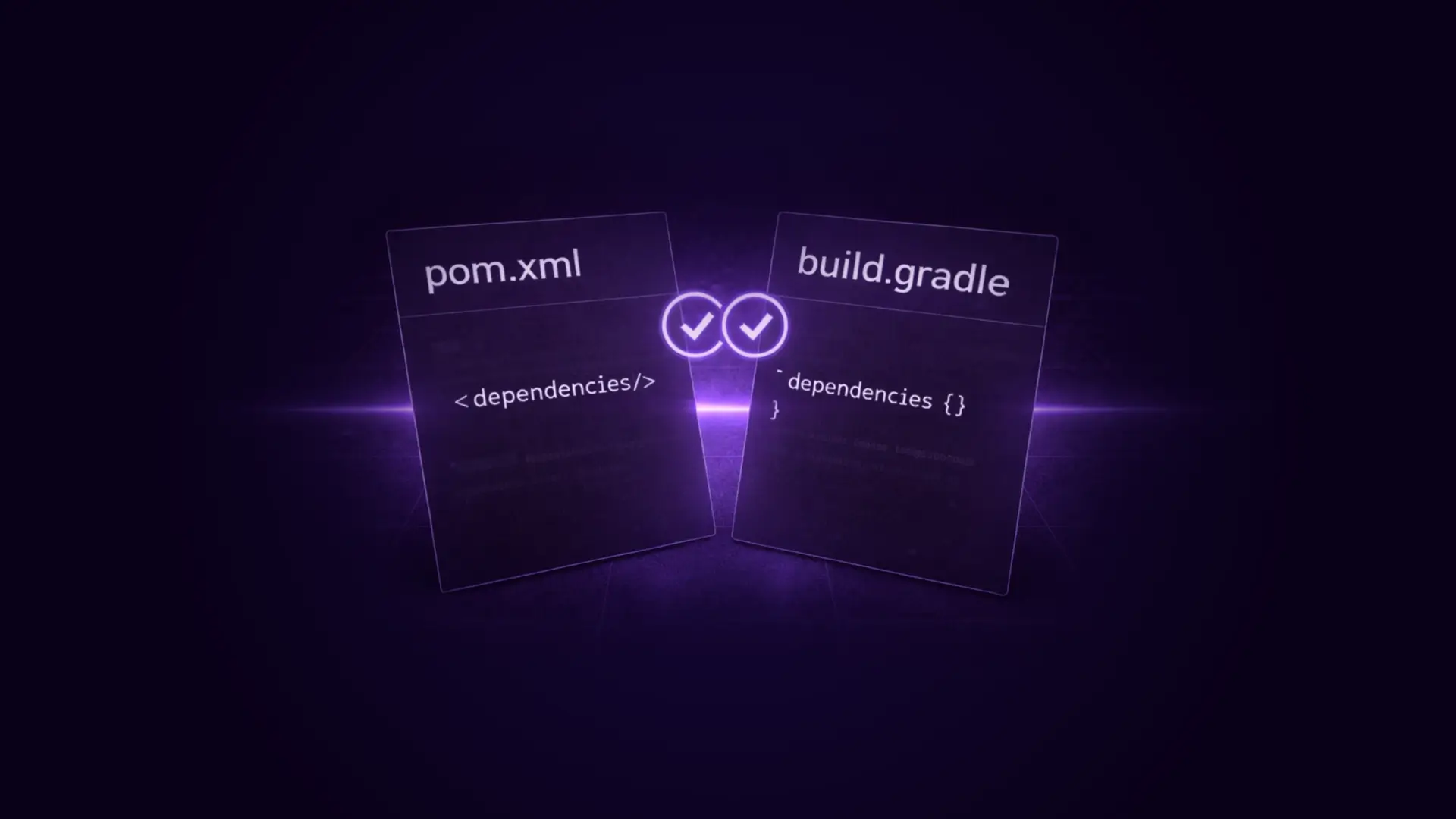
We support standard Java build tools natively.
You push your source code, and our build system handles the rest.
You get a reproducible, automated build pipeline without configuring a CI server or writing a single line of YAML.
Enterprise-Grade Runtime
The JVM needs memory and stability to perform well. Serverless functions and "sleeping" containers are hostile to Java applications.
Gigalixir provides a stable, long-running environment.
We don't interfere with the JVM's lifecycle, allowing the Just-In-Time (JIT) compiler to optimize your hot paths and your thread pools to stabilize.
No Sleep Mode
Unlike serverless Java functions that suffer from massive cold-start times (often 5+ seconds), our containers run continuously.
Your JVM stays warm, your classes remain loaded, and your application responds instantly to traffic.
Memory Management
Java apps can be memory-hungry. Our tiered plans allow you to scale memory vertically.
You can configure heap sizes using JAVA_OPTS to ensure your garbage collector behaves efficiently within the container's limits.
Environment Configuration
Inject secrets and configuration via environment variables using gigalixir config:set.
Spring Boot and other frameworks can read these values directly on startup, allowing you to change database credentials or feature flags without rebuilding your artifact.

Database Ready
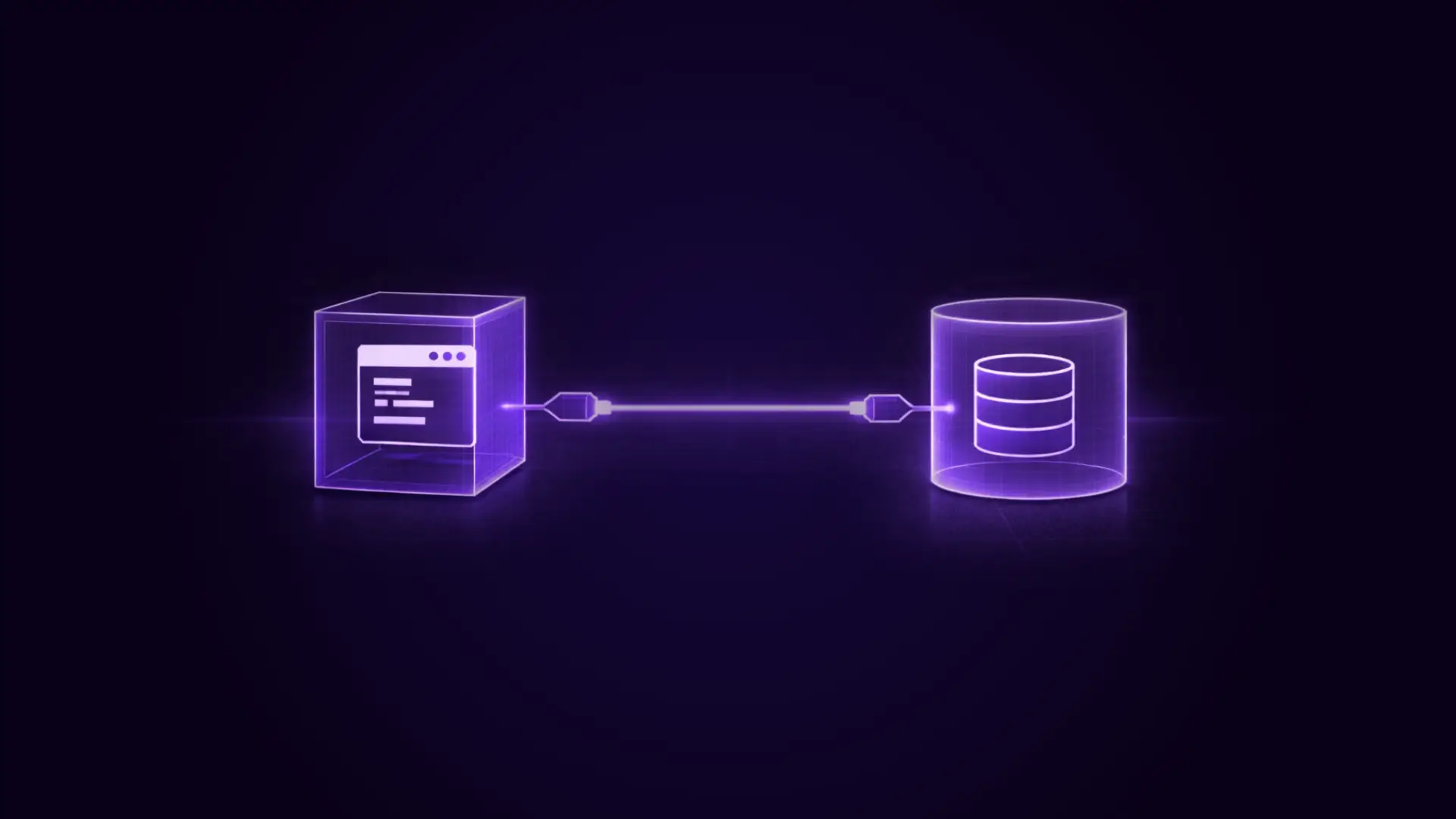
Connect your Java application to robust storage without fighting network proxies.
FAQs
The Questions We Get The Most at Gigalixir Support
No.
The buildpack handles the entire toolchain. It installs the JDK and JRE for you based on your configuration.
You just need to specify the version you want in system.properties, or we will use a sensible default (currently OpenJDK 1.8 or 11 depending on the stack).
Yes.
If you are using an embedded server (like Spring Boot, Jetty, or Thorntail), it works out of the box.
If you need a legacy standalone Tomcat container, you can configure the buildpack (via webapp-runner) to provide one, though we recommend embedded servers for the best container experience.
You can set JAVA_OPTS as an environment variable using the CLI command gigalixir config:set JAVA_OPTS="-Xmx300m -Xms300m".
The buildpack script automatically passes these options to the Java process at startup.
Yes. Kotlin compiles to JVM bytecode.
As long as you use Gradle or Maven to build your Kotlin project, the deployment process is identical to a standard Java project.
We simply run the build command you provide.
Run gigalixir logs to see standard output and error streams.
Your Java stack traces will appear there in real-time, allowing you to debug crashes or exceptions without SSH-ing into the server.
Still have questions?
Reach out directly to the Engineers who built Gigalixir to discuss your specific architecture, integration challenges, or compliance constraints here 👇
Ready to Get Started?
Choose Your Gigalixir Path
Free Tier
Standard Tier
Trusted by Engineering Teams Everywhere
High-Performance Hosting for Modern Apps.
Stop fighting generic cloud infrastructure.
Whether you’re working with Elixir, Python, or Node.js, get the specialized support and performance your application deserves.