
Laravel Hosting
The PaaS Your Laravel App Deserves
Deploy Laravel applications with git push.
Scale with gigalixir ps:scale.Stop managing VPSs.
Get a containerized environment with native support for Artisan, Horizon, and the Scheduler.
Modern Deployment
Laravel is a sophisticated framework that deserves better than FTP or shared hosting.
Gigalixir treats your application like a professional software product.
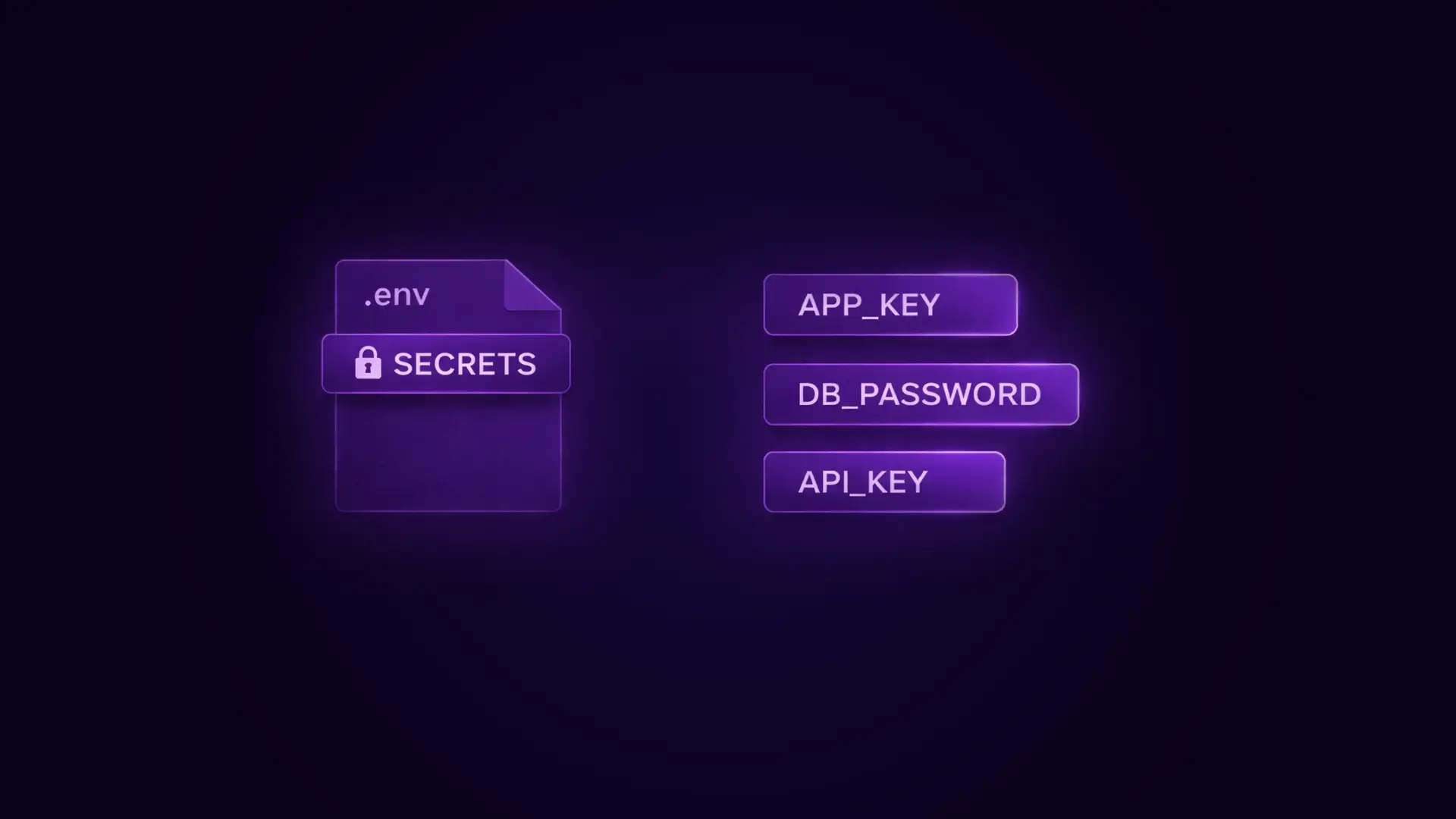
The Laravel Ecosystem
We support the tools that make Laravel great.
Artisan Console
Run any Artisan command against your production environment using gigalixir ps:run.
Execute php artisan migrate, php artisan cache:clear, or php artisan tinker securely from your laptop.
Queues & Horizon
Run your queue workers as persistent processes. You can define a worker in your Procfile to run php artisan horizon or queue:work.
Unlike cron-based workers on shared hosting, these run continuously and restart automatically if they crash.
Task Scheduling
Run the Laravel Scheduler (schedule:run) reliably.
You can set up a dedicated clock process or use a simple loop in a worker container to ensure your scheduled tasks fire on time.

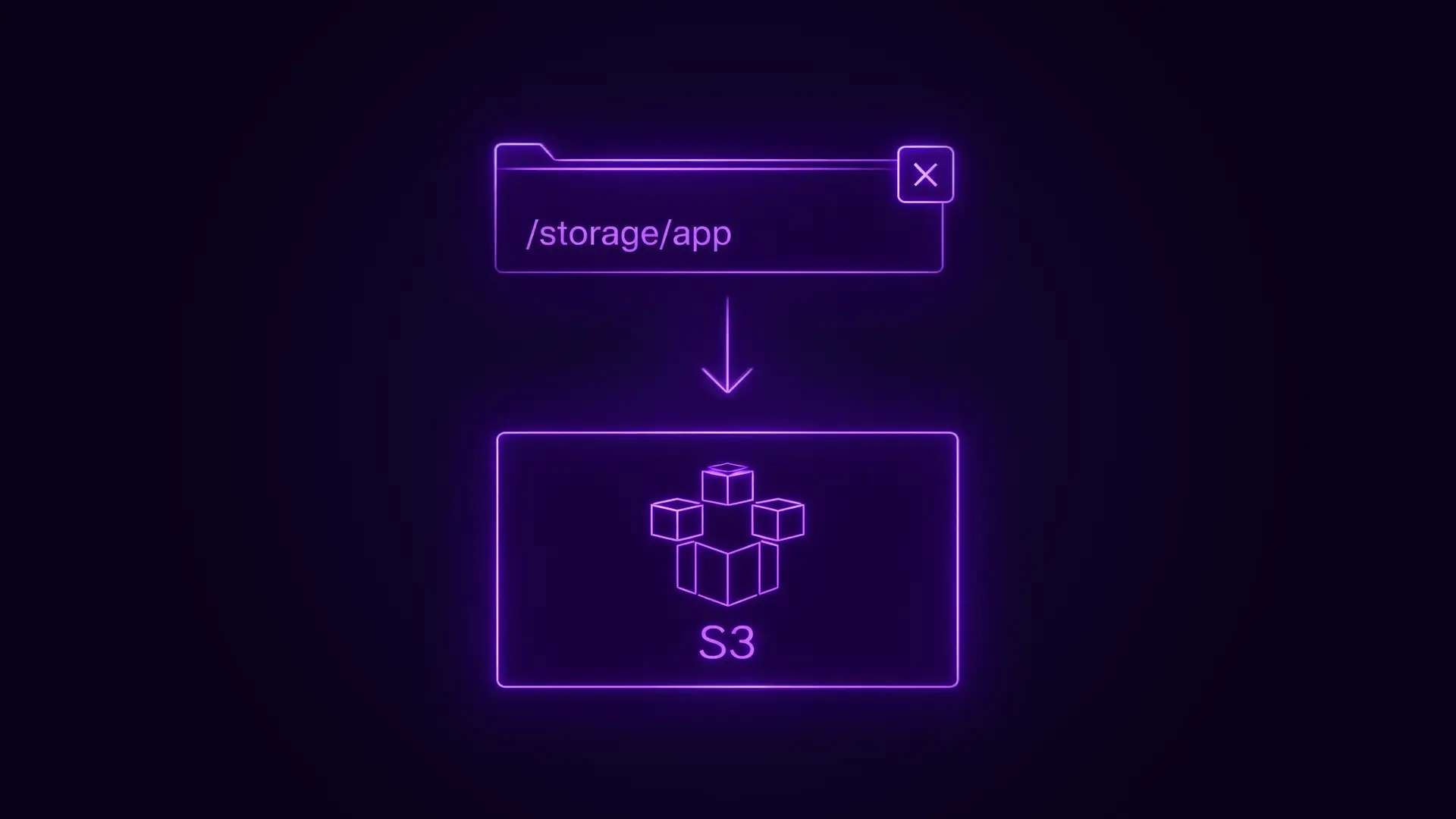
Storage & Database
Laravel apps need reliable storage for data and files.
FAQs
The Questions We Get The Most at Gigalixir Support
Yes. Define a worker entry in your Procfile: worker: php artisan horizon.
You can then scale this worker up to handle more throughput.
Horizon's dashboard will work if you secure it properly.
Because the filesystem is ephemeral, you cannot store uploads locally.
Configure your config/filesystems.php to use S3 (or compatible) as the default disk.
This ensures user files persist across deploys.
You should compile your frontend assets (JS/CSS) as part of your build pipeline.
You can add a compile hook to your composer.json scripts, or use a GitHub Action to build assets and commit them (or upload to CDN) before pushing to Gigalixir.
Run gigalixir ps:run php artisan migrate --force.
The --force flag is required because the app is running in production mode.
Gigalixir provides managed PostgreSQL.
If you must use MySQL, you can connect to an external MySQL provider (like AWS RDS or PlanetScale) by setting the correct DB_HOST and DB_PORT environment variables.
Still have questions?
Reach out directly to the Engineers who built Gigalixir to discuss your specific architecture, integration challenges, or compliance constraints here 👇
Ready to Get Started?
Choose Your Gigalixir Path
Free Tier
Standard Tier
Trusted by Engineering Teams Everywhere
High-Performance Hosting for Modern Apps.
Stop fighting generic cloud infrastructure.
Whether you’re working with Elixir, Python, or Node.js, get the specialized support and performance your application deserves.