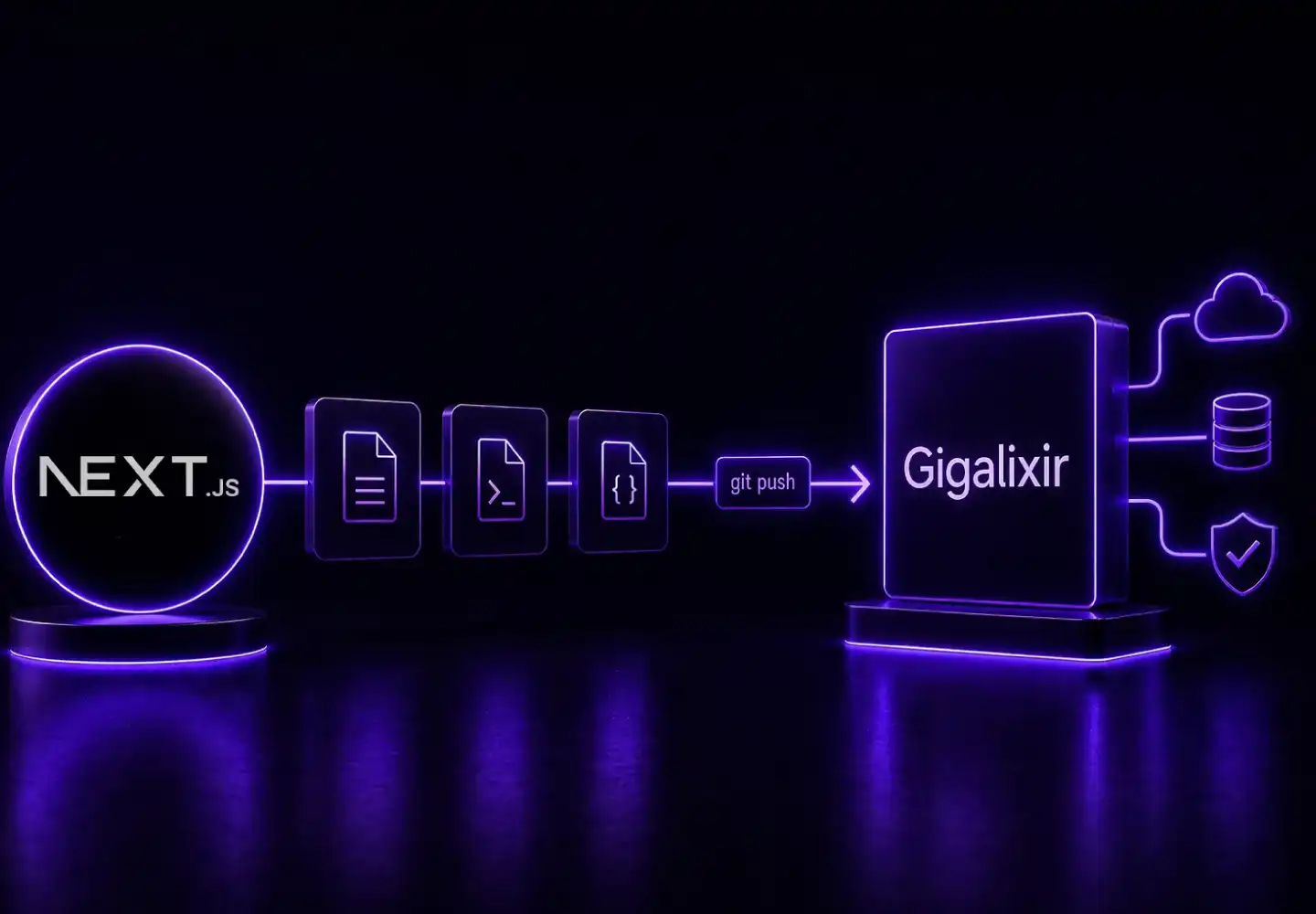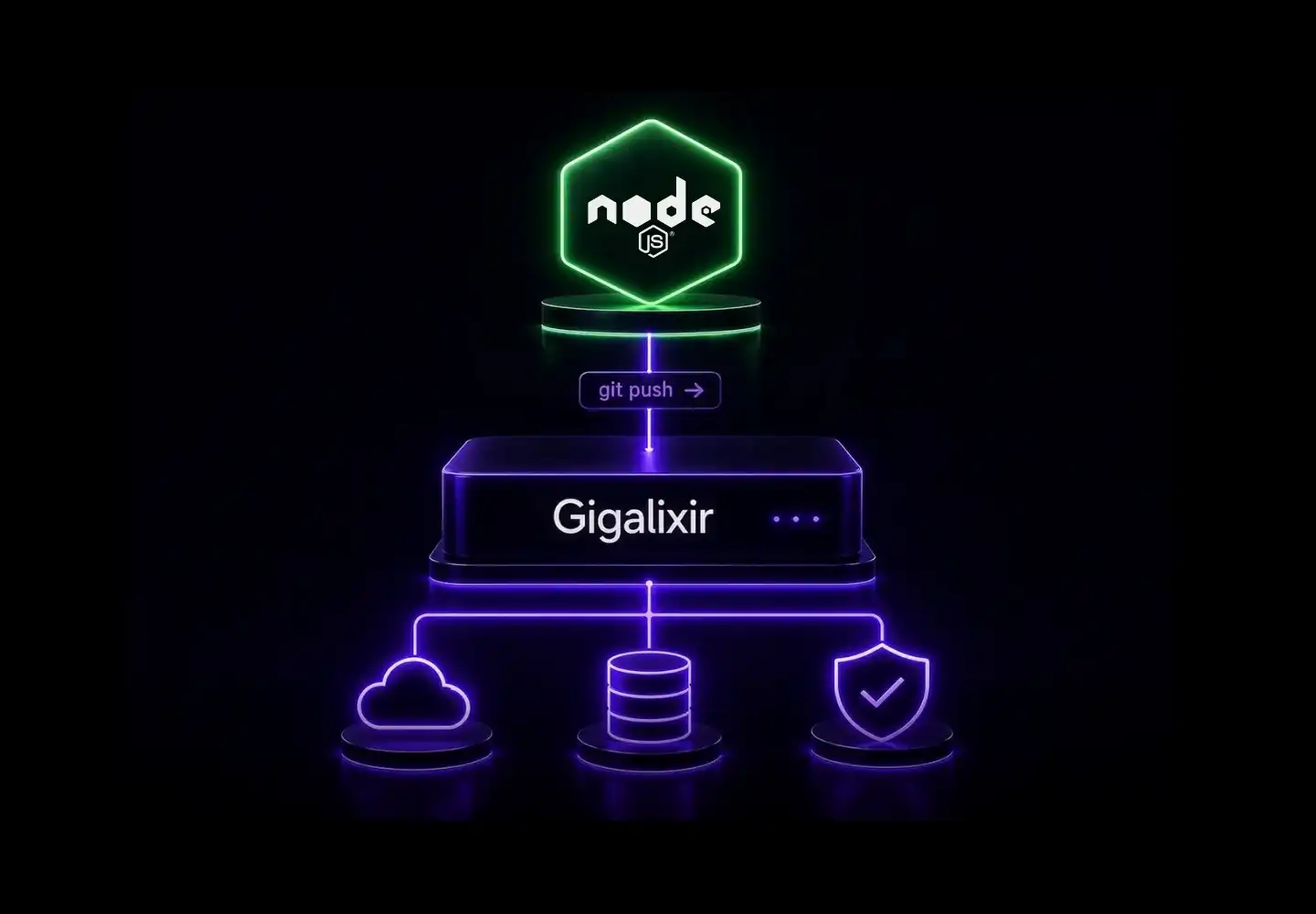
A Node.js app deploys on Gigalixir with a Procfile, a buildpack config, and a git push. Free TLS, managed PostgreSQL, and zero forced restarts are included.

Gigalixir is known for its Elixir and Phoenix support, but the underlying platform runs any app with a standard Heroku-compatible buildpack. Node.js is fully supported. The same production features that Elixir teams depend on — zero-downtime deploys, no daily restarts, second-by-second billing, and managed PostgreSQL — apply to Node.js apps without any extra configuration.

What Gigalixir Provides for Node.js Apps

Before touching configuration, it helps to know exactly what the platform handles automatically.

  • Free TLS certificates via Let's Encrypt, managed and renewed automatically
  • Zero-downtime deploys — no forced daily restarts
  • Managed PostgreSQL with HA and read replica options
  • Per-second billing — scaling up for a 2-hour spike and scaling back down charges only for those 2 hours
  • SSH access on Standard Tier
  • AWS and GCP regions available in the US and Europe

Gigalixir sees this regularly in support: Node.js developers come for a Heroku alternative and stay because the billing model and restart behavior are more predictable for long-running server processes.

The Deployment Model: Git Push With a Buildpack

Gigalixir deploys via git push gigalixir. The build system is a derivative of the Heroku build environment. Buildpacks are defined in a .buildpacks file at the project root. The official Heroku Node.js buildpack works without modification.

Only the main or master branch builds. Pushes to other branches are ignored.

Setting Up a Node.js App for Gigalixir Deployment

Follow these steps in order.

1. Install the Gigalixir CLI

pip3 install gigalixir

Then log in:

gigalixir login

2. Create the App

gigalixir create -n my-node-app

This creates the app and adds the gigalixir git remote automatically.

3. Add a .buildpacks File

Create a .buildpacks file at the project root:

https://github.com/heroku/heroku-buildpack-nodejs

Gigalixir reads this file during the build phase and pulls the specified buildpack.

4. Add a Procfile

Create a Procfile at the project root. This tells the platform how to start the app:

web: node server.js

Replace node server.js with the actual start command. If the project uses npm scripts:

web: npm start

The app must listen on the port provided by the PORT environment variable. Gigalixir injects PORT automatically. A common mistake is hardcoding port 3000 or 8080. The correct pattern:

const port = process.env.PORT || 3000;
app.listen(port, () => {
  console.log(`Server running on port ${port}`);
});

5. Ensure package.json Has a Start Script or Entry Point

The Heroku Node.js buildpack reads package.json to determine the Node.js version and install dependencies. Specifying the engine is recommended:

{
  "engines": {
    "node": "20.x",
    "npm": "10.x"
  },
  "scripts": {
    "start": "node server.js"
  }
}

6. Set Environment Variables

Set any required environment variables before the first deploy:

gigalixir config:set MY_NODE_APP_NAME=my-node-app NODE_ENV=production

View current config:

gigalixir config

7. Deploy

git add .
git commit -m "configure for gigalixir"
git push gigalixir main

The build log streams to the terminal. The buildpack installs Node.js, runs npm install, and starts the process defined in the Procfile.

8. Scale the App

After a successful build, scale to at least one replica:

gigalixir ps:scale --replicas=1 --size=0.5

A size 0.5 replica has 500MB of memory and costs $25/month at full utilization on Standard Tier. Billing is prorated to the second. A size 1.0 replica (1GB) costs $50/month at full utilization.

Adding a Managed PostgreSQL Database

Gigalixir provides managed PostgreSQL databases provisioned independently from app replicas.

Create a database on Standard Tier:

gigalixir pg:create --size=0.6

After provisioning, retrieve the connection details:

gigalixir pg

The DATABASE_URL environment variable is injected into the app automatically. Standard Node.js PostgreSQL clients like pg or pg-pool read it directly:

const { Pool } = require('pg');
const pool = new Pool({
  connectionString: process.env.DATABASE_URL,
  ssl: { rejectUnauthorized: false }
});

For production workloads, High Availability databases are available. HA doubles the database cost. See gigalixir.com/pricing for current database pricing.

Free Tier Limitations to Know Before Production

The Free Tier runs one replica at size 0.5 with no credit card required. It is appropriate for testing and prototyping.

Free Tier limitations that affect production use:

  • No SSH access
  • No database backups
  • Free Tier database limited to 10k rows and 2 connections; idle connections are terminated after 5 minutes
  • App scales to 0 replicas after 30 days without a deploy (warning email sent at 23 days)

Standard Tier removes all of these constraints and starts at $25/month for a size 0.5 replica.

Custom Domains and TLS

Adding a custom domain is a single command:

gigalixir domains:add www.example.com

TLS certificates are provisioned and renewed automatically via Let's Encrypt. No configuration is needed.

What This Setup Does Not Cover

A few scenarios require additional steps.

Build-time asset compilation: If the app runs a build step (e.g., TypeScript compilation or webpack), add the build command to the build script in package.json. The Heroku Node.js buildpack runs npm run build automatically if that script is present.

Long-lived WebSocket connections: Gigalixir runs on Kubernetes with nginx as the ingress layer. Nginx configuration reloads happen under normal Kubernetes operation. Connections open at the time of a reload are dropped after 60 minutes. Applications relying on persistent WebSocket connections should implement reconnection logic on the client side.

Static IPs: Static IPs are available on Enterprise plans only. Standard Tier apps do not have static outbound IPs. If a third-party service requires IP allowlisting, the options are to use Enterprise or route outbound traffic through a separate proxy.

Worker processes: A Procfile can define multiple process types, but Gigalixir currently scales the web process. Background job workers are typically run as a separate app or handled within the same Node.js process using a queue library.

Node.js on Gigalixir Is a First-Class Deployment Path

The platform's production features — zero-downtime deploys, no forced restarts, per-second billing, managed PostgreSQL, free TLS, and dual AWS/GCP cloud choice — apply to Node.js the same as they do to Elixir. The buildpack system is the same one Heroku established, so existing Heroku-compatible Node.js apps migrate without changes to application code.

For teams evaluating the platform or migrating from Heroku, the full pricing breakdown is at gigalixir.com/pricing. Questions about Enterprise plans, static IPs, or dedicated ingress can be directed to the contact page.

Featured Blog

Explore our latest technical post-mortems, database optimization guides, and platform features designed to simplify your production workflow.

High-Performance Hosting for Modern Apps.

Stop fighting generic cloud infrastructure.

Whether you’re working with Elixir, Python, or Node.js, get the specialized support and performance your application deserves.